
Inside the app
Why is it worth downloading the sete games app?
There are plenty of betting platforms out there that push their app as if it were mandatory — and when you install it, the experience is disappointing: slow, confusing, buggy on small screens. sete games took a different approach. The app was designed first and foremost for the mobile user, not as a byproduct of the desktop version.
It shows in the practical details. Menus are reachable with your thumb without having to stretch. Live betting responds fast, with no freezing at the most critical moment. Pix deposits work without redirecting to the browser — everything happens inside the app itself. These are small things that, added together, make a real difference in the day-to-day of frequent bettors.
Live betting with the speed the moment demands
Anyone following live football knows it: a goal can come at any second, and a handicap or next-goal bet needs a quick response. The sete games app keeps odds updated in real time without requiring you to keep refreshing. The live betting screen was designed so you can find the right market and confirm your bet in no more than three taps.
Beyond soccer, you'll find basketball, volleyball, and eSports with live coverage. The logic is the same: clear markets, visible odds, and quick confirmation. Nothing to take your focus away from the game you're watching.
Slots that load fast, even on 4G
One of the biggest complaints from people who play slots on mobile is load time. With a typical 4G connection — not the perfect 4G from the ads, but the real 4G most people actually have — some apps take so long to load a slot that you lose interest before it even starts. sete games optimized game loading for real mobile connections, not ideal ones. Titles are ready to play in seconds, not minutes.
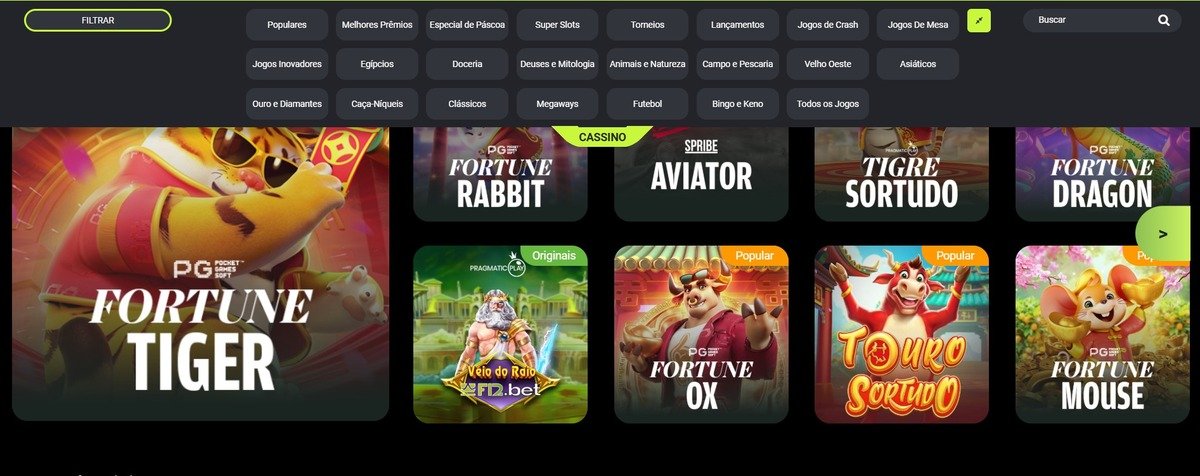
The Slots catalog covers everything from classic three-reel games to modern video slots with more elaborate bonus mechanics. Everything works with touch — swipe, tap, and hold where needed. The experience is smooth even on mid-range smartphones.
Live Casino: stream adapted to your connection
Live Casino is usually the weak point of mobile apps because it depends on real-time video streaming — and streaming over 4G can be unpredictable. sete games addresses this with an adaptive player: if your connection is strong, you receive the stream at higher quality; if it drops a little, the quality adjusts automatically to keep the game running without freezing. You keep seeing the cards and hearing the dealer without interruption.
Available tables include roulette, blackjack, and baccarat with real dealers. The mobile interface was adapted so that chips, round history, and dealer chat don't take up too much space or interfere with game visibility.
Hassle-free payments
Depositing and withdrawing through the sete games app is straightforward. For a Pix deposit, open the Deposit, enter the amount, and the app generates the QR code or the key. If you have your bank's app on the same phone, you can complete the payment without leaving sete games — the system detects the banking app and opens it directly on the confirmation screen. Your balance updates in seconds.
Withdrawal follows the same streamlined flow. You submit a request, enter your registered Pix key, and wait for processing. There's no lengthy form or email confirmation required before you can request — the process was simplified so you receive your winnings with as few steps as possible.
Security that stays out of your way
One of the most frustrating things about financial apps is when security gets in the way of normal use. A long password to type every time, two-factor authentication on every login, random lockouts. sete games found the right balance: you use biometrics (fingerprint or Face ID on iPhone) for quick login, and extra verification only appears for sensitive actions like withdrawal requests or updating account details. In day-to-day use, the app runs smoothly.
Inactive sessions close automatically after a configurable period, and you can set an additional PIN in the settings if you prefer not to use biometrics. For privacy-conscious users, the app does not display balances on the preview screen — whether on the phone's lock screen or in the app switcher.